
How to use the map
Image slideshow
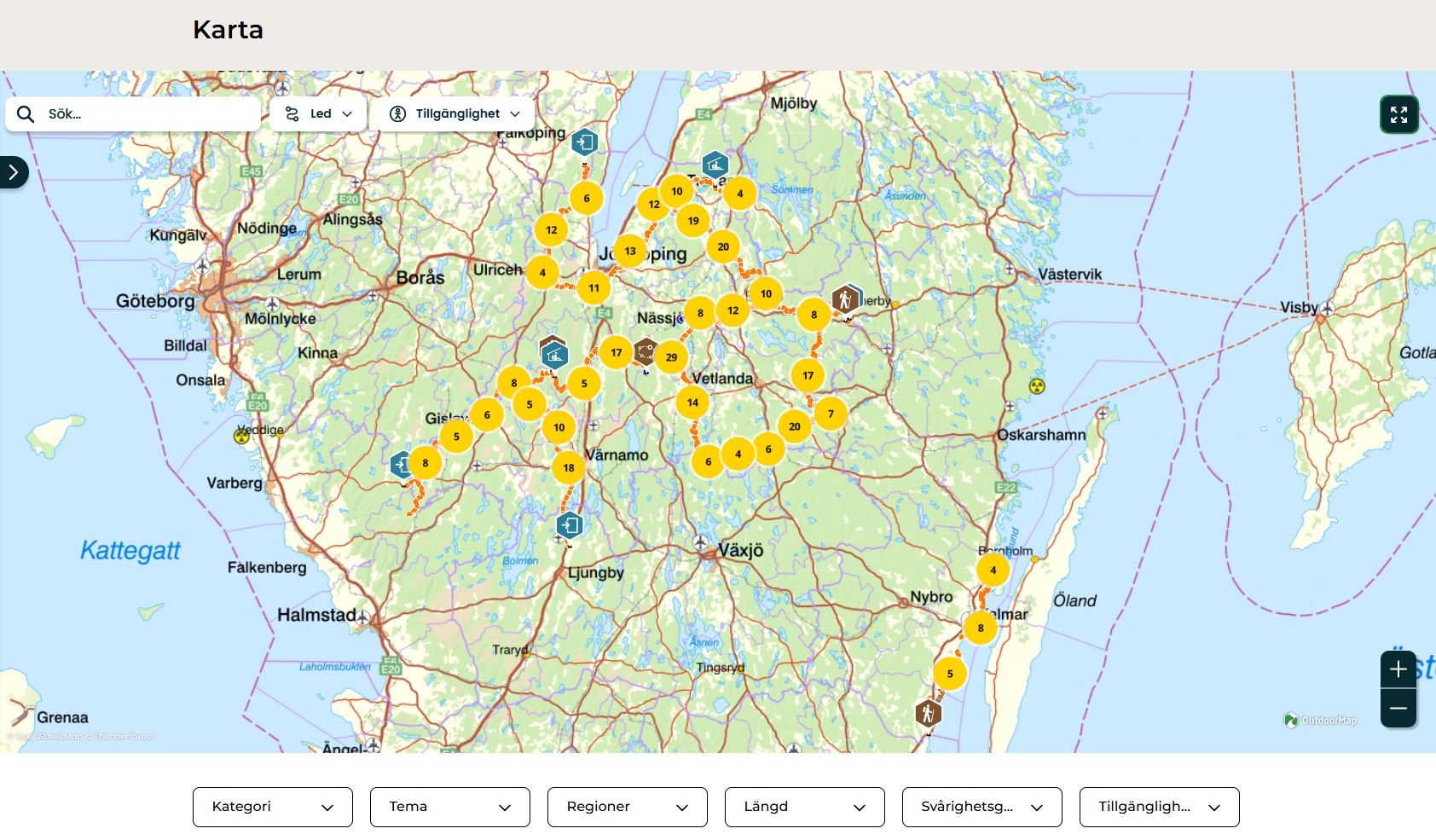
The Smålandsleden website and map are your tools for finding inspiration, planning your hike, and feeling safe both before and during your trip. Here you can discover trails, choose stages, and see what's along the way, whether you're sitting at home at your kitchen table or standing out on the trail.
The map helps you plan in advance. Once you are out on the trail, you can use the website or app to see where you are and what is nearby.
Naturkartan as a basis
The Smålandsleden website is based on the Naturkartan map service. This is a widely used tool employed by many municipalities and organizations throughout Sweden.
Smålandsleden can be found both here on the website and as a guide in Naturkartan. The content is the same, but is presented in slightly different ways depending on which entry point you choose.
Naturkartan is also available as an app, which allows you to navigate and orient yourself directly in nature.
Whether you use the website or the app, you will find information about trails, stages, entrances, and facilities such as wind shelters, toilets, campfire sites, and parking lots.
Below, we guide you step by step through how to use the website and the map.
How to use the website
The main menu takes you to pages about hiking and planning. The footer contains more in-depth and practical information.
Homepage
The home page brings together the most relevant shortcuts for visitors and is a good starting point if you want to begin exploring the Smålandsleden trail.
How to use the map
The map of the Smålandsleden trail contains a lot of information. To make it easier to find what you are looking for, use the filters.
When the map opens, all stages, trail entrances, and facilities along the Smålandsleden trail are displayed. By using the filters, you can gradually sort out what you are looking for.
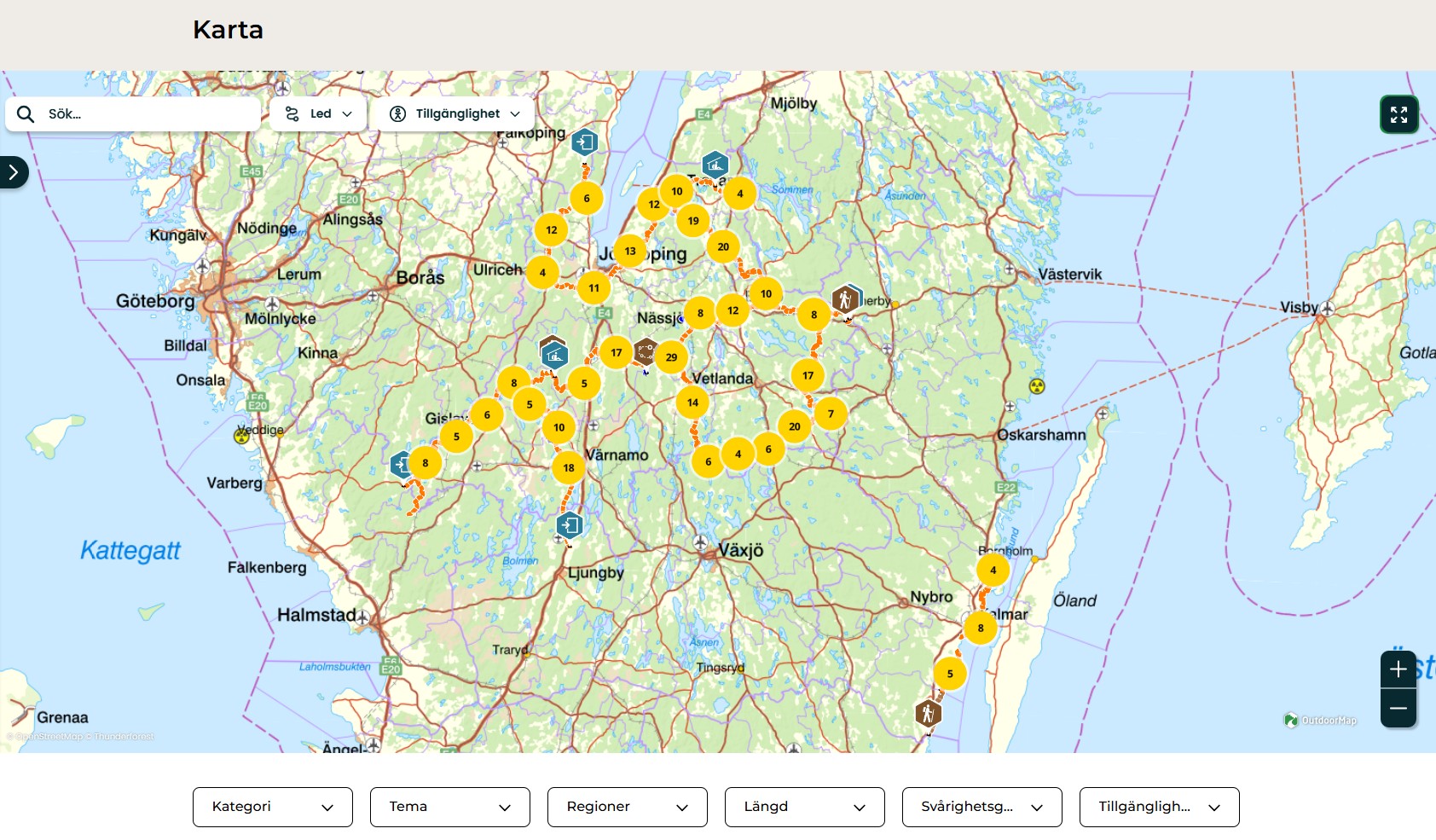
Category
Select what you want to see. For example, hiking, admission, wind shelter, parking, or other facilities.
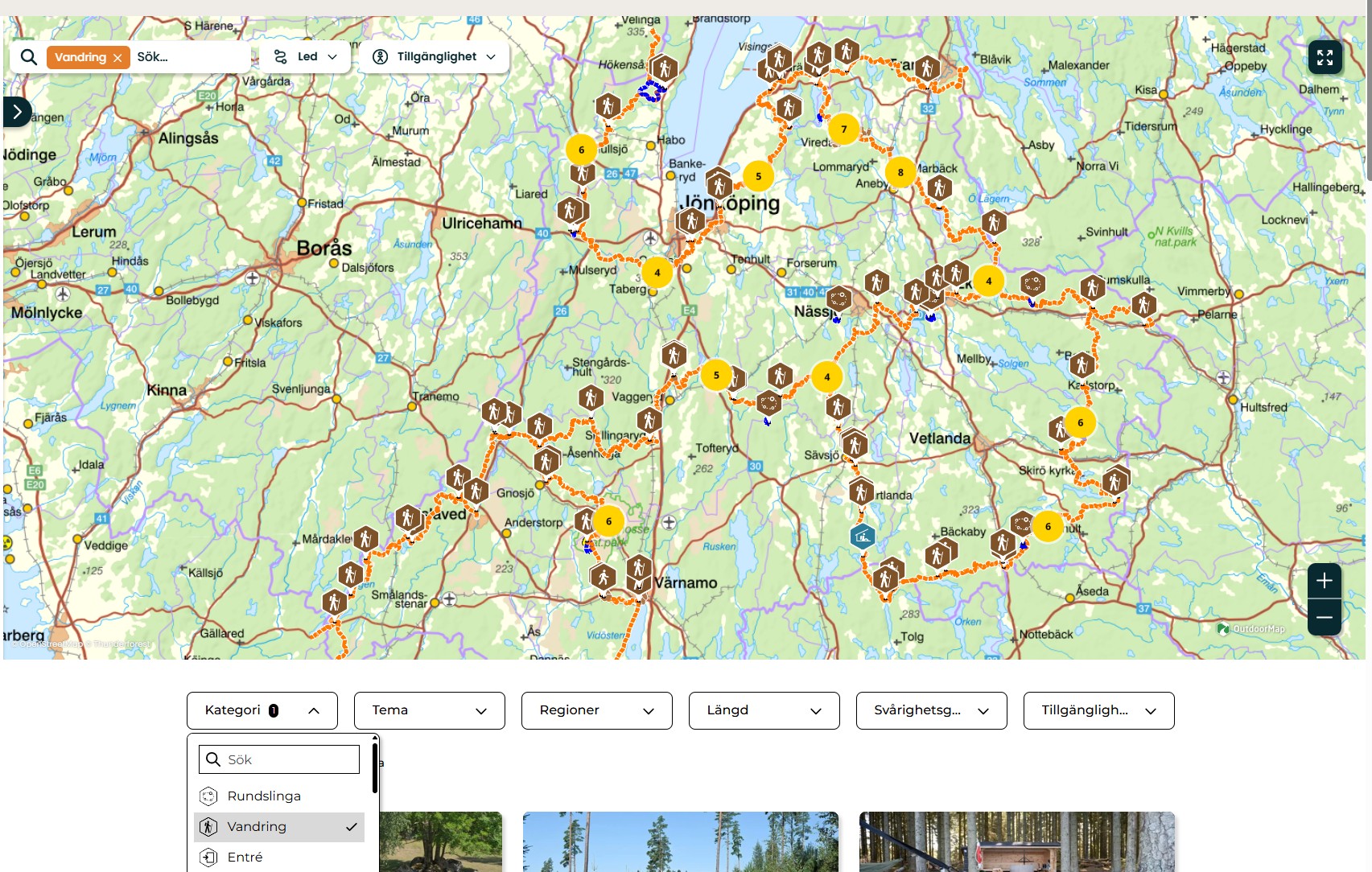
Theme
Here you can filter specific experiences or environments. One example is the theme of protected nature, which shows nature reserves and national parks.
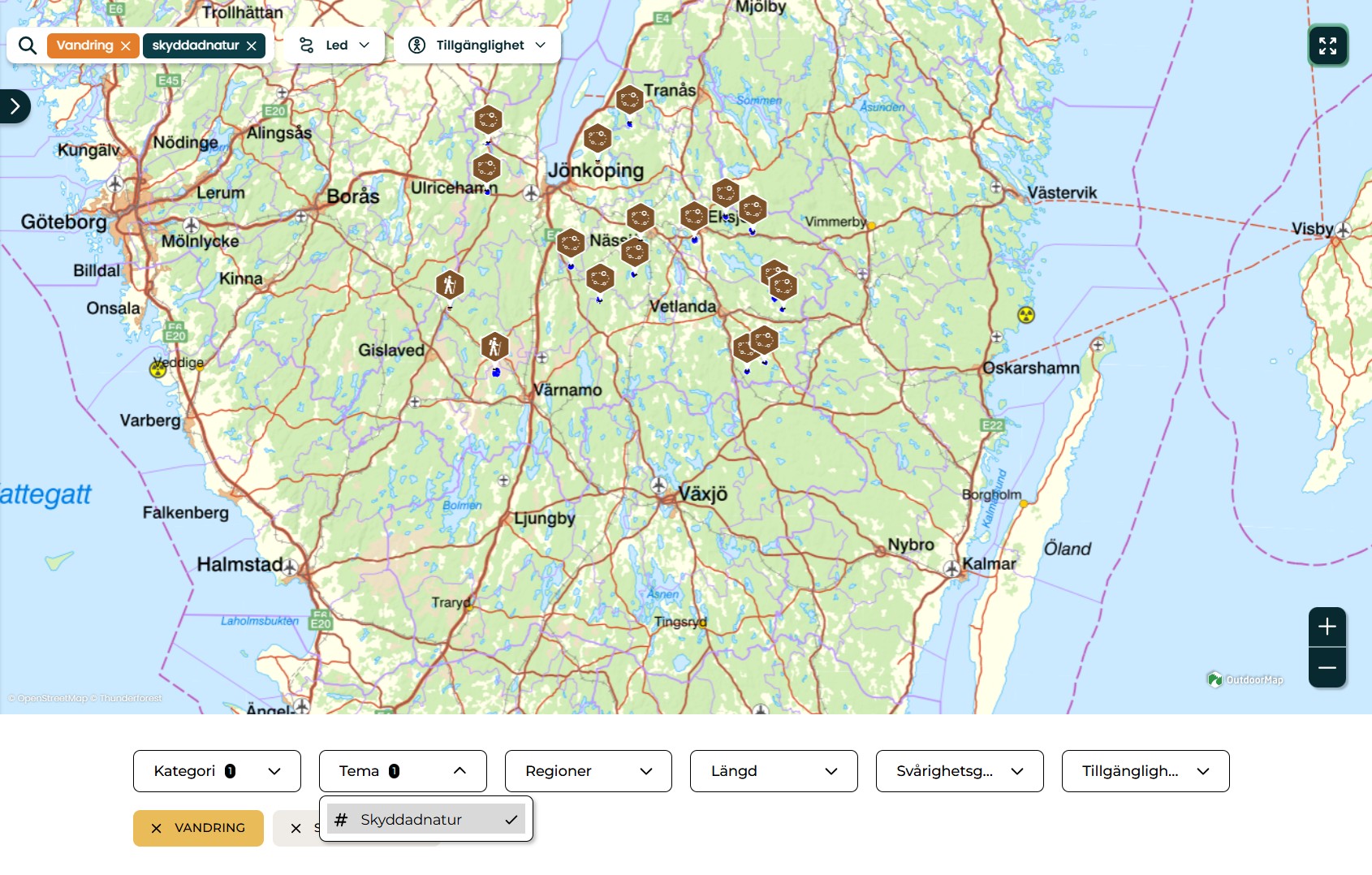
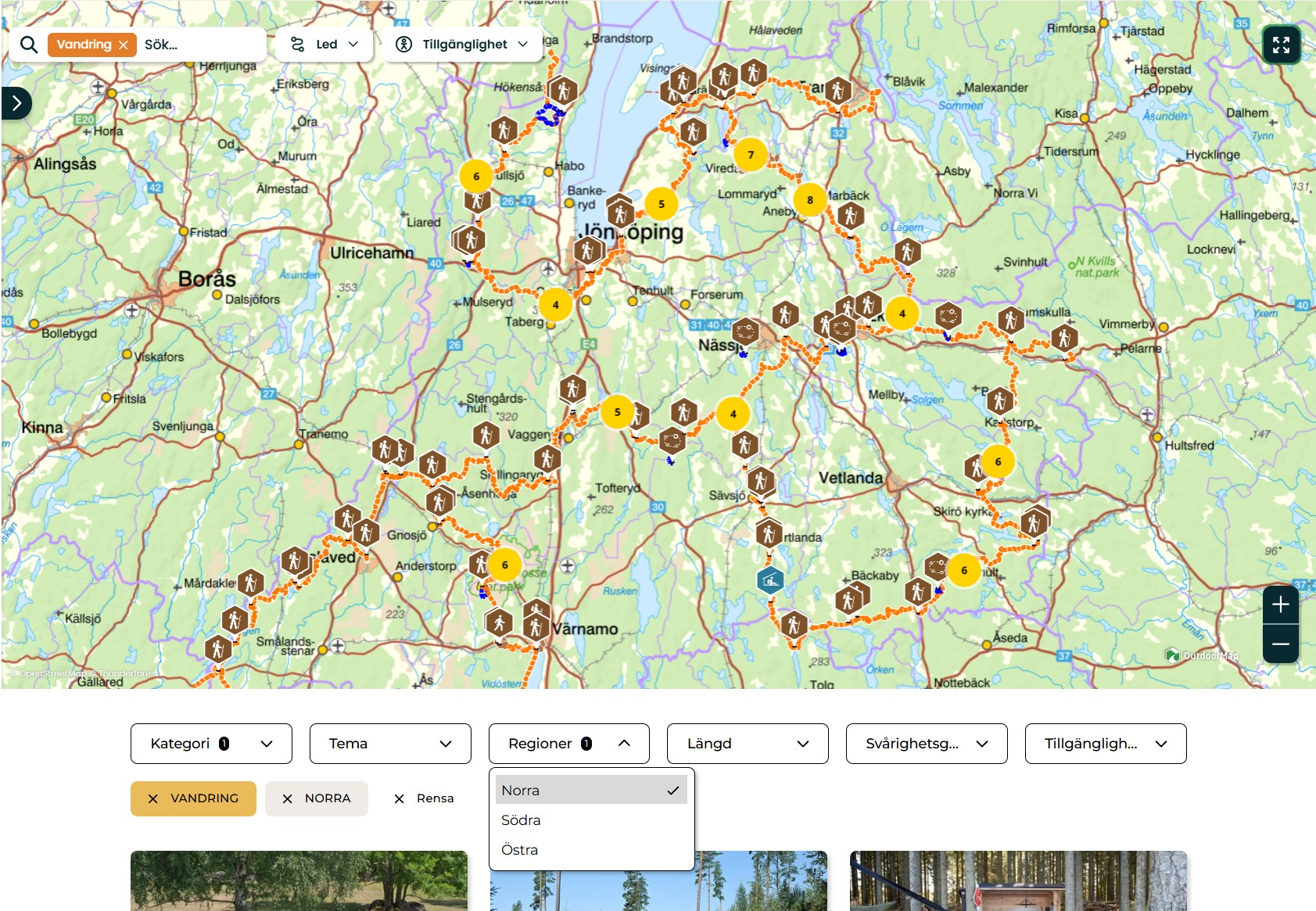
Regions
Sort the map by Northern, Southern, or Eastern Småland Trail to limit your search to a specific area.
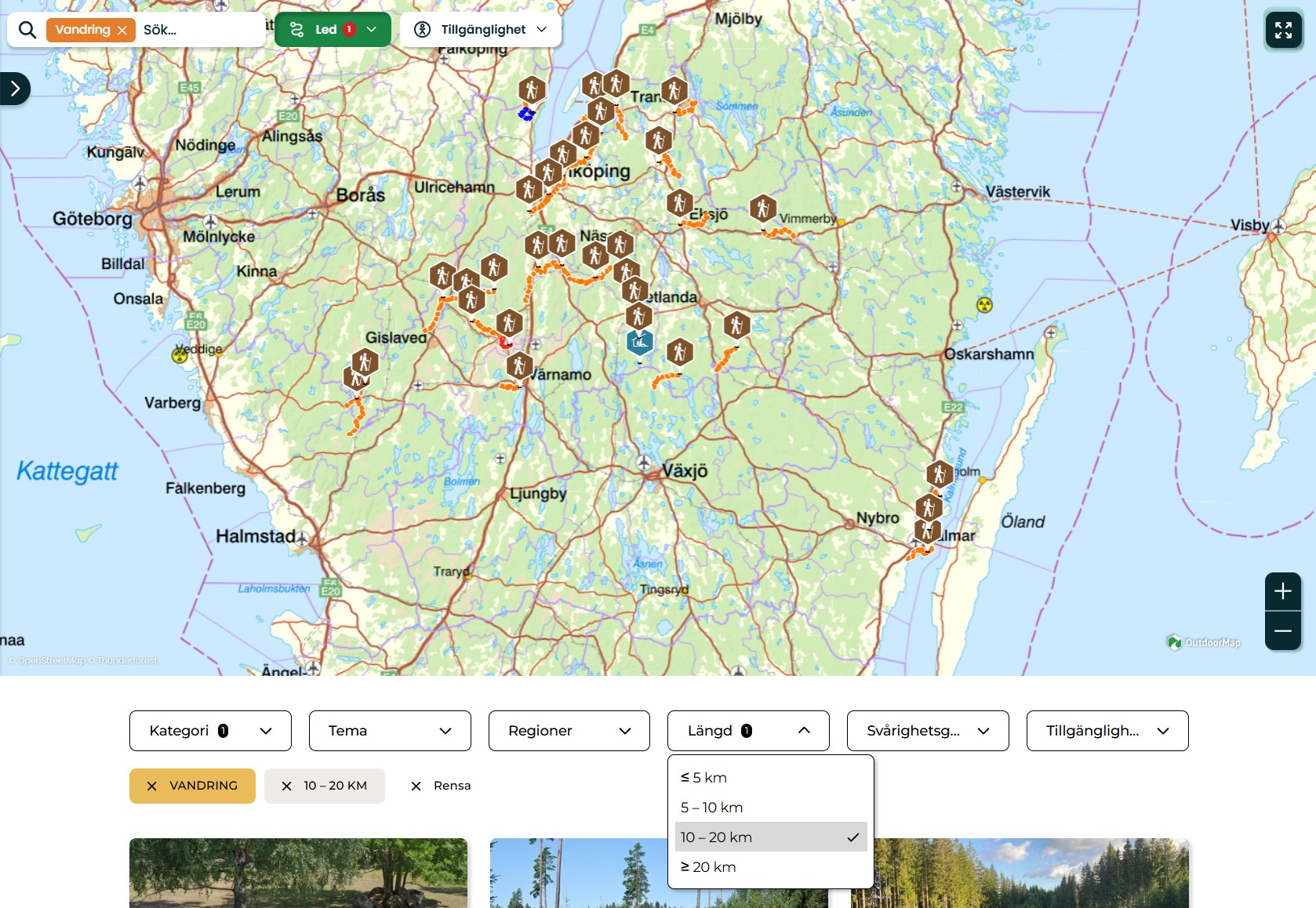
Length
Filter stages by their length.
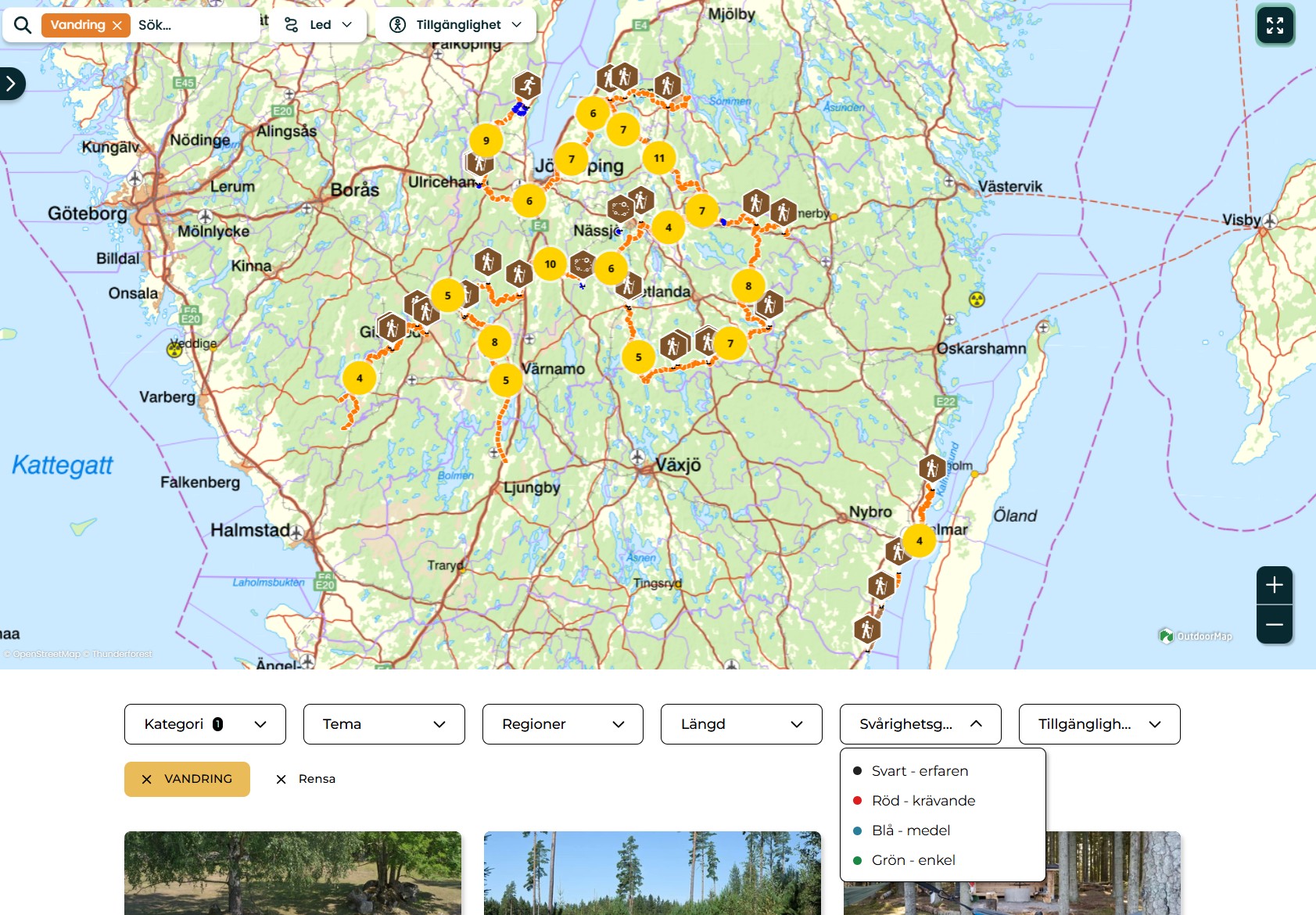
Difficulty
Choose whether you want to see easy, medium, or challenging stages.
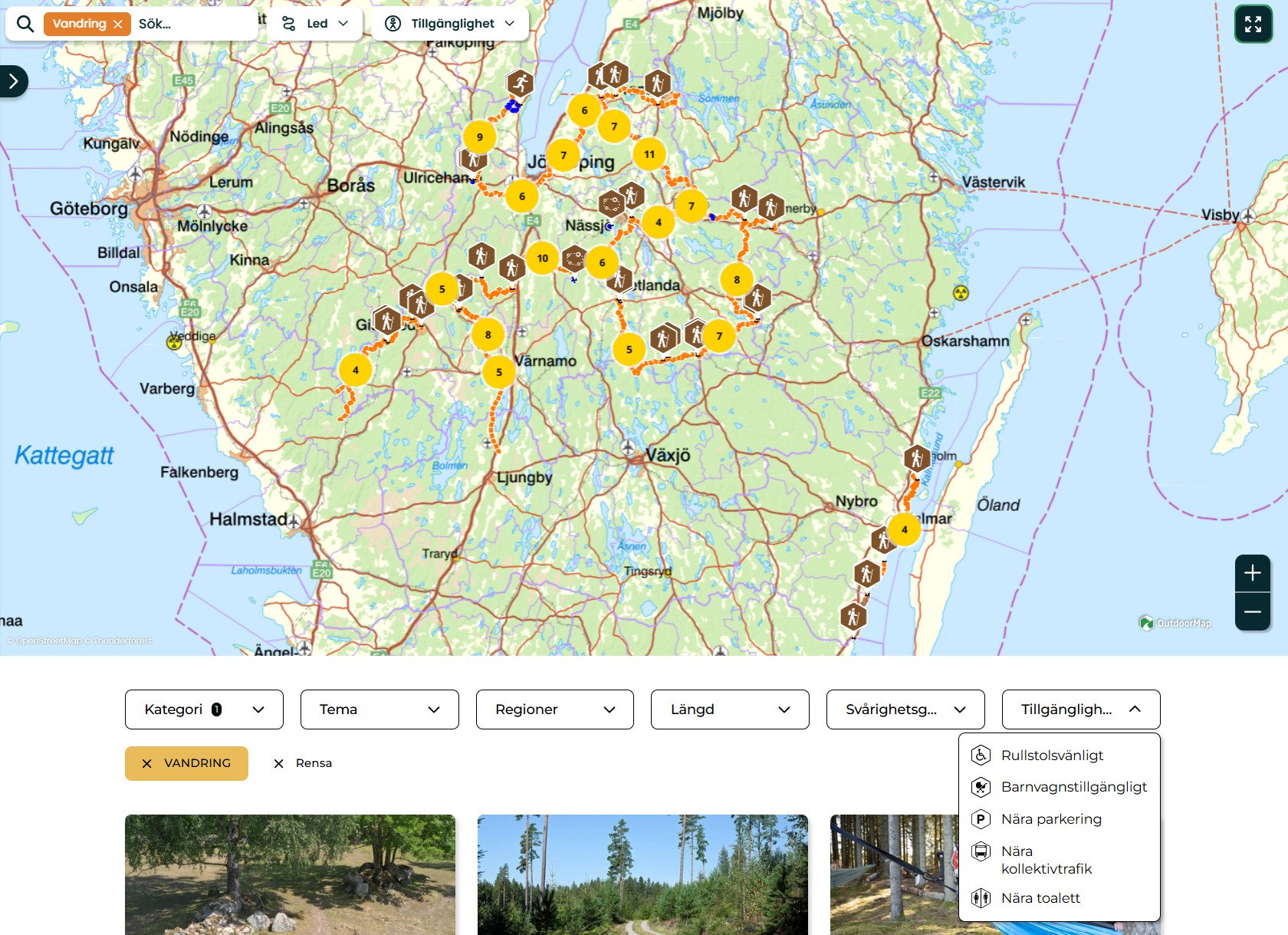
Accessibility
Here you can filter by different types of accessibility, such as proximity to parking or adapted routes. Read more about how we define accessibility on the Accessibility page.
Examples of how you can filter
If you want to see all hiking trails on the Smålandsleden trail, select category:
- Hiking - The map will then show all stages.
If you want to know where you can start your hike, select category:
- Entrance - The map will show all locations where there is an entrance to the hiking trail
If you want to find places to stay overnight, select category:
- Wind shelters - The map will show all wind shelters along the trail you want to hike
You can combine several filters at the same time
For example.
- Category: Hiking
- Region: Northern
- Difficulty: Green
The result will be all easy stages within the Northern Smålandsleden trail.
This way, you can easily find a hike that suits you